What Kind of Android Head Unit Configuration Delivers a Better Driving Experience?
As automotive infotainment systems continue to evolve, more drivers are upgrading their vehicles with Android head units to enjoy smarter connectivity, better navigation, and improved entertainment. However, not all car stereos deliver the same user experience.
The configuration of an Android head unit directly affects system speed, stability, audio quality, connectivity, and overall driving convenience.
So, what configurations actually provide a better driving experience?
In this article, we explore the key hardware and feature combinations that make a modern Android car stereo truly enjoyable to use.
1. Octa-Core Processor for Smooth Performance
The processor is the core of the entire system.
A low-performance CPU may cause:
- Slow boot times
- Touchscreen lag
- App freezing
- Delayed navigation response
- Poor multitasking
For a better experience, Octa-Core processors are highly recommended.
Benefits include:
- Faster system response
- Smoother navigation
- Better multitasking
- Stable app performance
- Improved wireless connectivity
Quad-core systems can still handle basic daily functions, but octa-core models provide a noticeably smoother experience, especially when using:
- Wireless CarPlay
- Android Auto
- 4G internet
- Split-screen functions
- 360 camera systems
2. Sufficient RAM for Multi-Tasking
RAM determines how smoothly the system handles multiple tasks at the same time.
Recommended RAM Configurations
| RAM | Experience Level |
|---|---|
| 2GB | Basic daily use |
| 4GB | Smooth mainstream experience |
| 6GB–8GB | Premium performance |
For modern drivers, 4GB RAM is considered the ideal minimum for stable performance.
Higher RAM is especially useful when running:
- Navigation
- Music streaming
- Bluetooth calling
- Background apps
- Split-screen mode
simultaneously.
3. Large Internal Storage for Apps and Media
Storage affects:
- App installation
- Map downloads
- System updates
- Multimedia storage
Recommended ROM Configurations
| Storage | Recommended Usage |
|---|---|
| 32GB | Basic users |
| 64GB | Mainstream recommendation |
| 128GB | High-end experience |
Larger storage provides better long-term usability and allows users to install more applications without slowing down the system.
4. Wireless CarPlay & Android Auto
Wireless smartphone connectivity has become one of the most important features in modern vehicles.
A better driving experience should include:
- Wireless Apple CarPlay
- Wireless Android Auto
- Fast automatic connection
- Stable Bluetooth communication
Drivers prefer wireless systems because they eliminate cable clutter and provide more convenience during daily driving.
This feature has become almost essential in the global aftermarket industry.
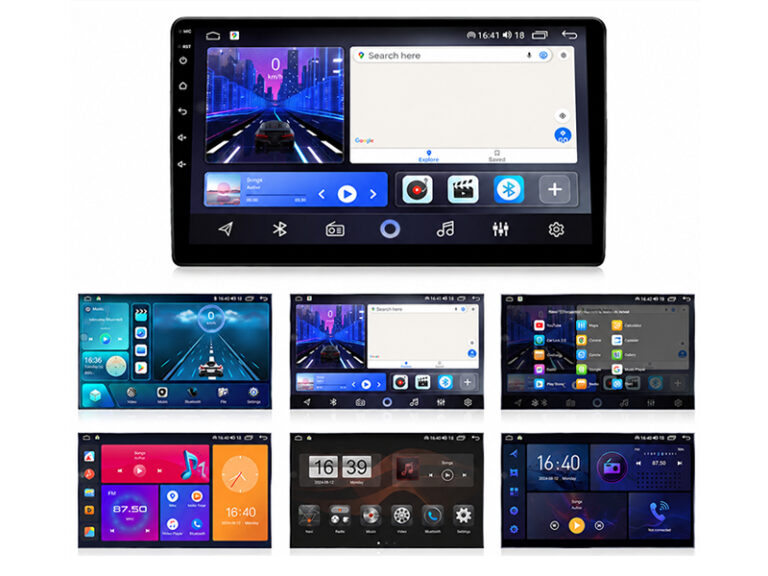
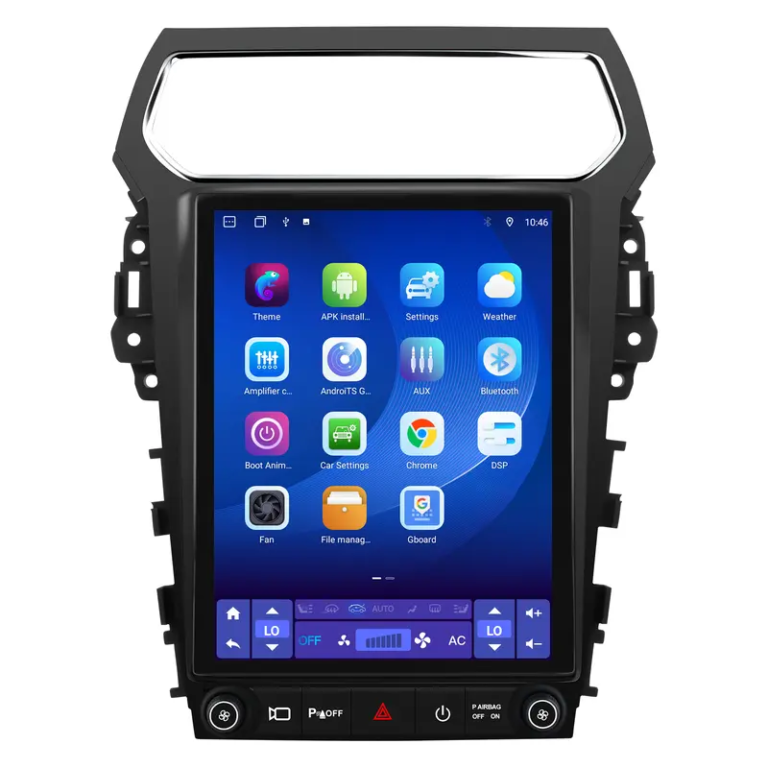
5. IPS HD Touchscreen Display
The screen is the most visible part of the infotainment system.
A high-quality IPS HD display improves:
- Viewing angles
- Touch sensitivity
- Brightness
- Color performance
- Navigation visibility
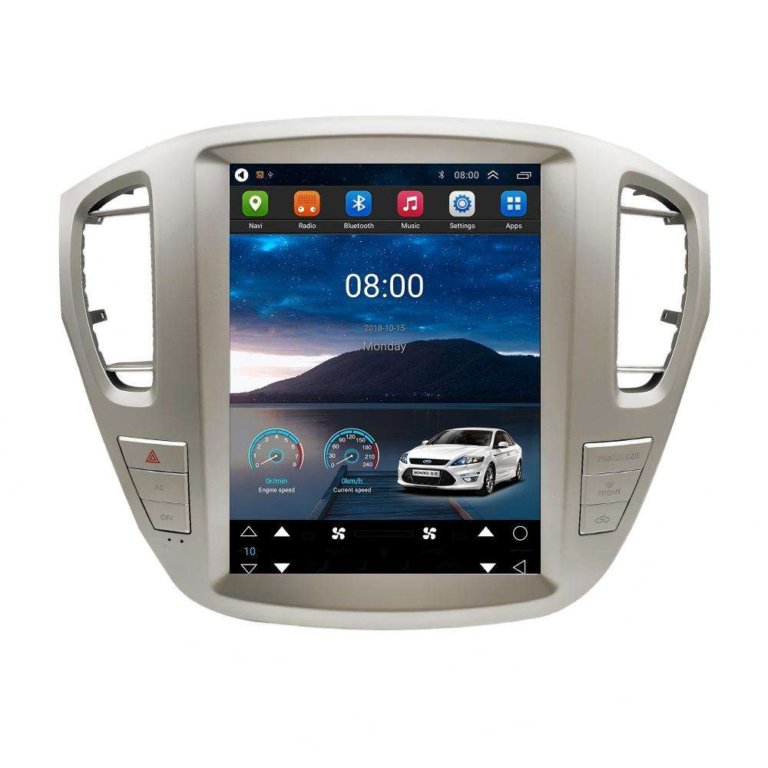
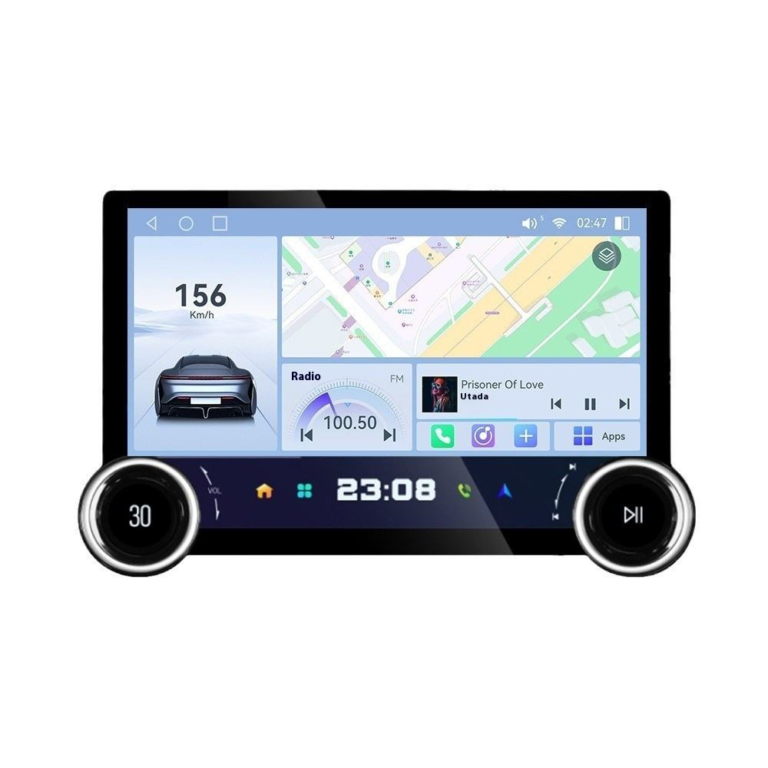
Larger floating displays also create a more modern dashboard appearance.
Recommended Screen Sizes
- 9-inch
- 10.1-inch
- 11-inch+
- Floating large-screen designs
These sizes are increasingly popular in modern vehicle upgrades.
6. DSP Audio Processing for Better Sound Quality
For drivers who value music and entertainment, DSP (Digital Signal Processing) is extremely important.
DSP allows:
- EQ adjustment
- Bass enhancement
- Sound staging
- Better speaker balance
- Cleaner audio output
A head unit with DSP support provides a significantly better listening experience compared to entry-level systems.
7. 4G LTE & WiFi Connectivity
Internet connectivity transforms a traditional stereo into a smart driving platform.
4G and WiFi support allow users to:
- Stream music online
- Use cloud navigation
- Download apps
- Watch online content
- Use voice assistants
For modern infotainment systems, stable internet connectivity is becoming increasingly important.
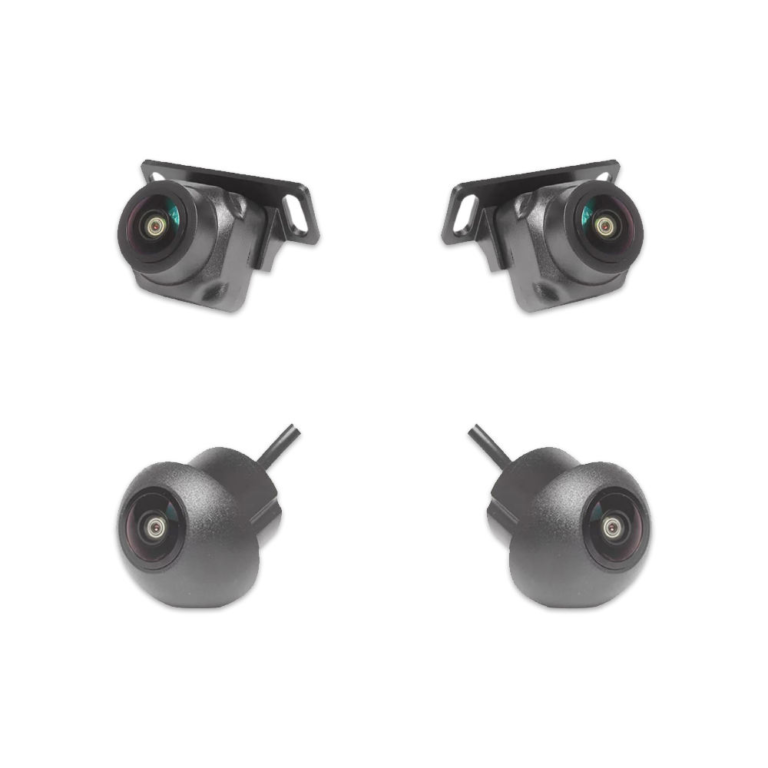
8. Support for AHD & 360 Camera Systems
Safety functions greatly improve daily driving convenience.
A high-quality Android head unit should support:
- AHD rear cameras
- 360 surround vision systems
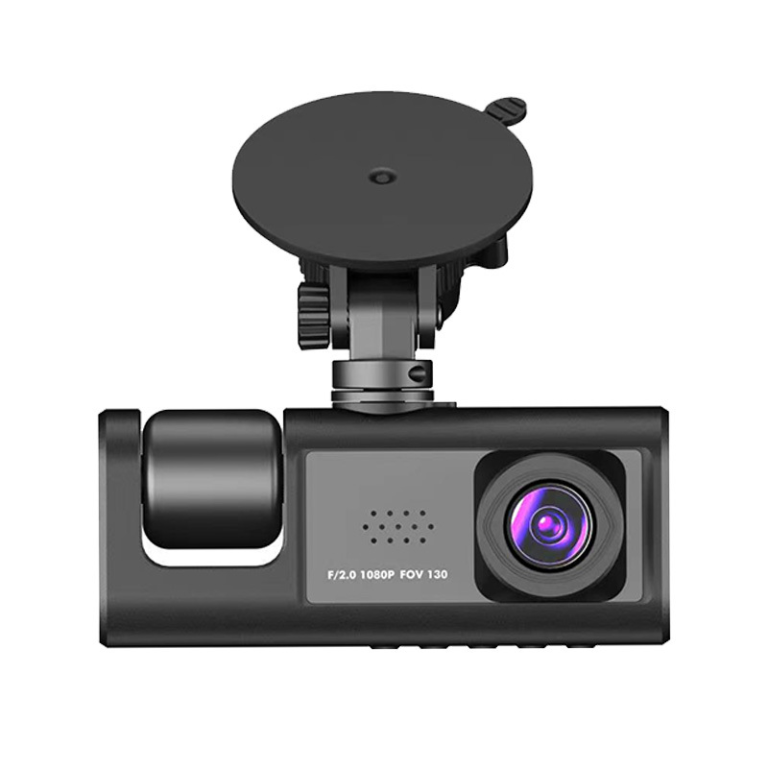
- DVR recording
- Parking assistance
- Reverse trajectory display
These functions help drivers park more safely and improve visibility around the vehicle.
9. Fast Boot & Stable System Optimization
Good hardware alone is not enough. System optimization is equally important.
A better user experience includes:
- Fast startup
- Stable Bluetooth connection
- Smooth UI transitions
- Responsive touch control
- Reliable wireless pairing
Well-optimized Android systems create a much more premium feeling during everyday use.
10. Android 13 / Android 14 Systems
Modern Android versions offer:
- Better compatibility
- Improved app performance
- Enhanced security
- Smoother animations
- Better wireless stability
Newer operating systems also provide better long-term support for future applications and connectivity features.
Recommended Mainstream Configuration
For most users, the following configuration delivers an excellent balance between performance and value:
| Component | Recommended Configuration |
|---|---|
| CPU | Octa-Core |
| RAM | 4GB or 6GB |
| ROM | 64GB or 128GB |
| Screen | IPS HD Touchscreen |
| Connectivity | Wireless CarPlay & Android Auto |
| Internet | 4G LTE + WiFi |
| Audio | DSP Support |
| Camera | AHD / 360 Compatible |
| System | Android 13 / 14 |
This configuration is widely accepted in global automotive aftermarket markets.
Conclusion
A good Android head unit is not only about having a large screen — it is about delivering a smooth, stable, intelligent, and enjoyable driving experience.
The right combination of:
- Powerful processor
- Sufficient memory
- Wireless connectivity
- HD display
- DSP audio
- Smart safety support
can significantly improve both driving convenience and in-car entertainment.
As drivers continue expecting smarter vehicle technology, high-performance Android head units will remain one of the most valuable automotive electronics upgrades in the global market.